This guide shows you how to cancel a Naughty America membership through the Naughty America support site.
Step 1: Go to the Naughty America support website
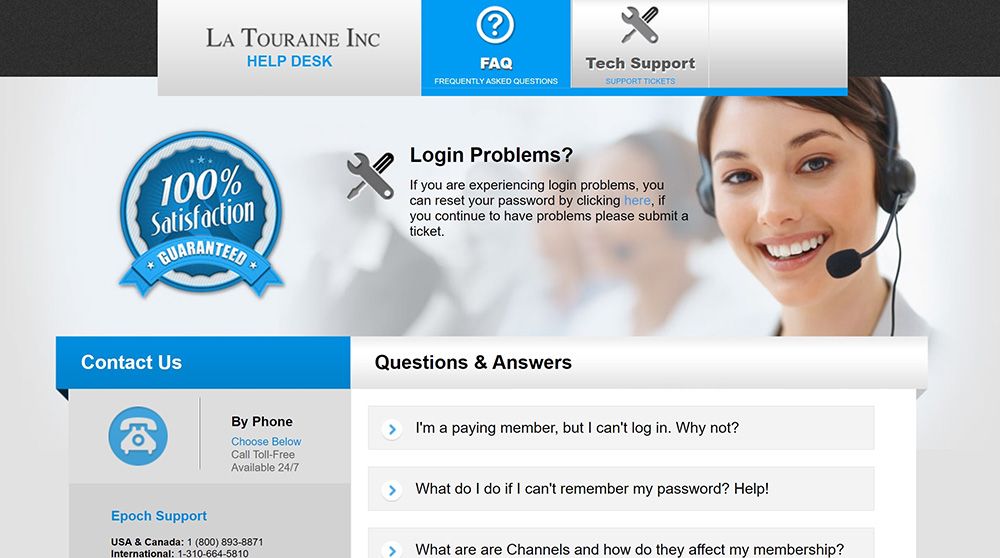
Start by visiting the Naughty America support website at https://support.latouraineinc.com/.
The support domain is different from the main Naughty America site because the company uses a separate support and billing site.
Step 2: Click “Cancel Account”
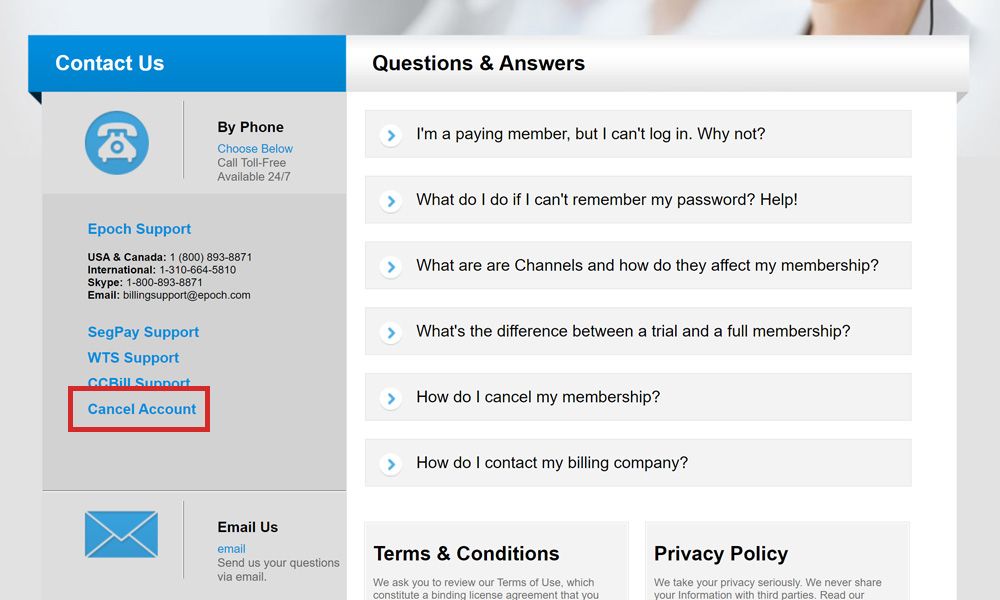
On the left side of the support website, find the menu and click the Cancel Account link. This will take you to the cancellation form.
Step 3: Enter your email and username
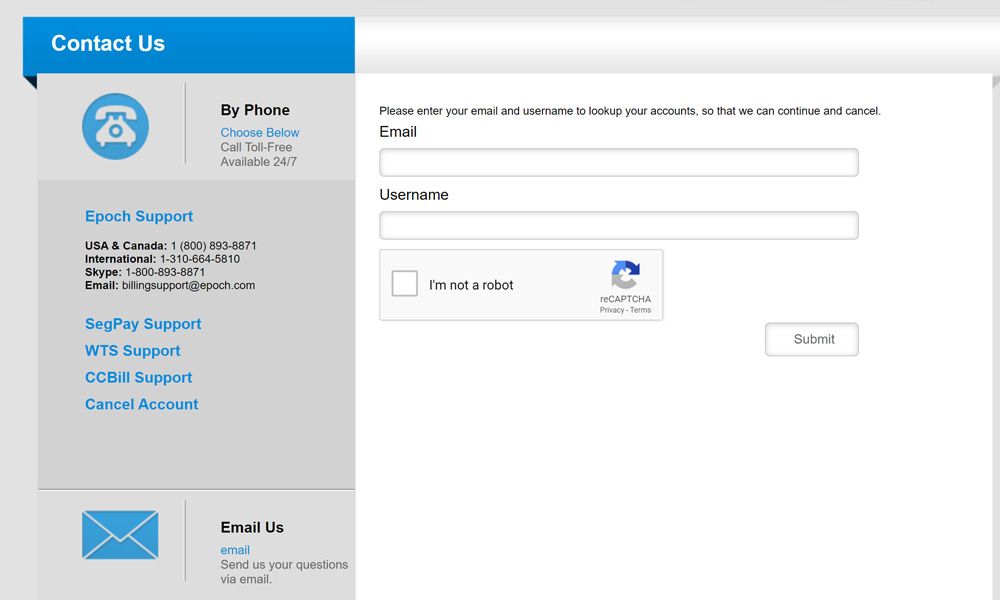
Fill in the form with the email address and username connected to your Naughty America account.
If you do not remember your username, check the email Naughty America sent you when you signed up.
Things to know
- You will need the email address and username used for your Naughty America account.
- Your username should be listed in the signup email you received from Naughty America.
- The support website uses a different domain from Naughty America’s main website.
- If you have questions, you can email Naughty America support at [email protected].
After submitting the cancellation form, contact Naughty America support if you want confirmation that your membership has been cancelled.