This guide explains how to cancel a BangBros membership through the BangBros support website.
Step 1: Go to the BangBros support website
Open the BangBros support website at https://support.bangbros.com/. This is where BangBros directs members for account and cancellation support.
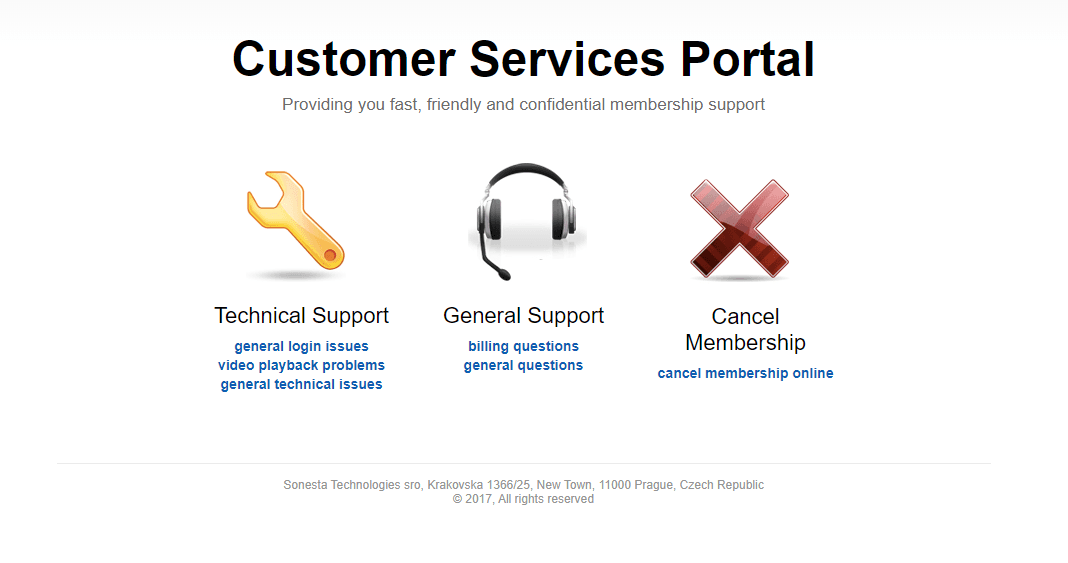
Step 2: Click Cancel Membership Online
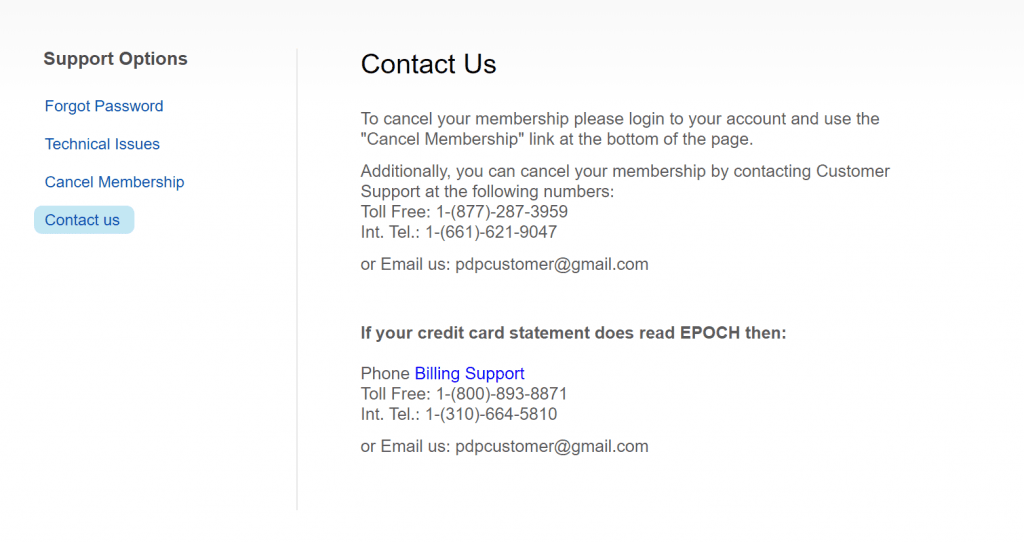
On the BangBros support page, look for the available support options and click Cancel Membership Online. This should take you to a page with more information about cancelling your account.
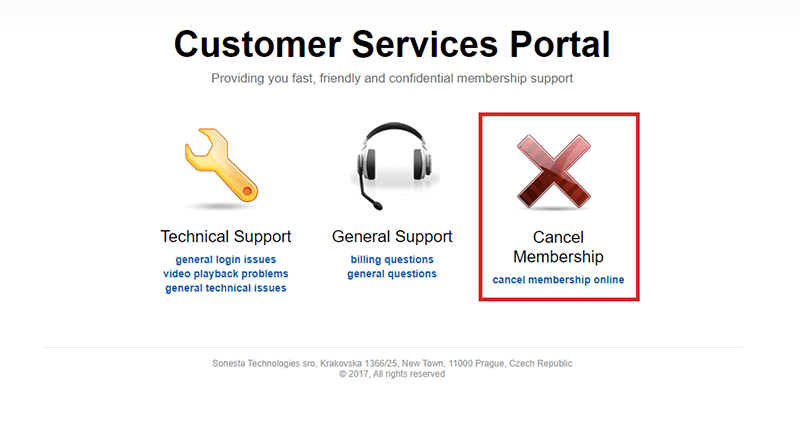
Step 3: Cancel by email or phone
Follow the cancellation instructions shown on the page. The original guide says the easiest options are to call the toll-free number or send an email to request cancellation.
Have your account details ready before contacting support, including your username, email address, and the last 4 digits of the credit card used for the membership.
Things to know
- The cancellation process starts on the BangBros support website.
- BangBros may ask you to cancel by email or by calling their toll-free support number.
- Prepare your username, account email, and the last 4 digits of your credit card to help support find your membership quickly.
After you contact BangBros support, ask them to confirm that your membership and recurring billing have been cancelled.